 UMOCloud
How to Manage Cloud Phones in Batches
Quick answer
Select devices, validate a small batch, and run consistent one-to-many operations.
UMOCloud TeamPublished 2 min read
Select the target devices first
Filter devices by project, region, or purpose, then select only the phones required for the task. Validate the action on a small group before expanding it.
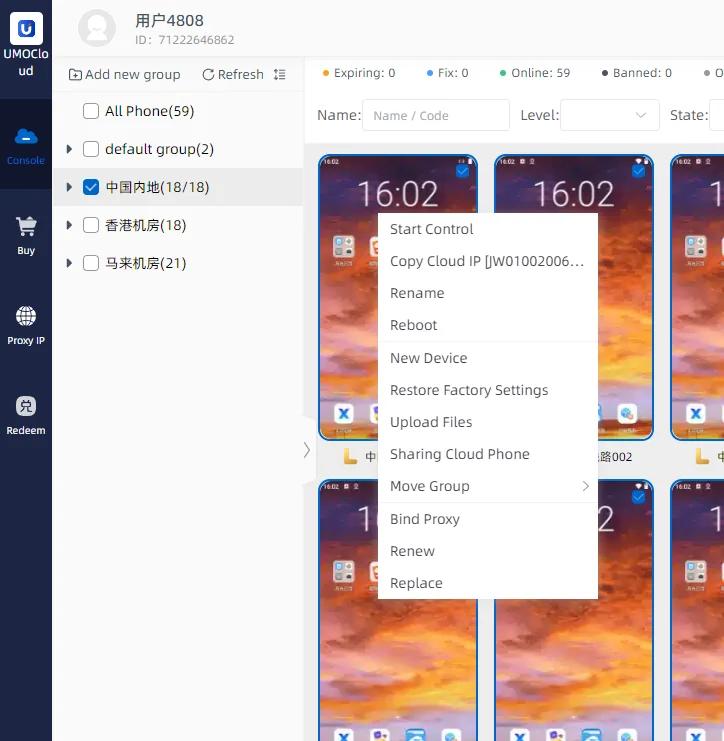
Good operations to batch
- Start, restart, or stop devices
- Install or remove a selected app
- Send files and installation packages
- Run different tasks by device group
Prevent accidental changes
Check the device scope again before destructive actions such as reset or deletion. Keep production and test devices in separate groups and retain necessary backups.